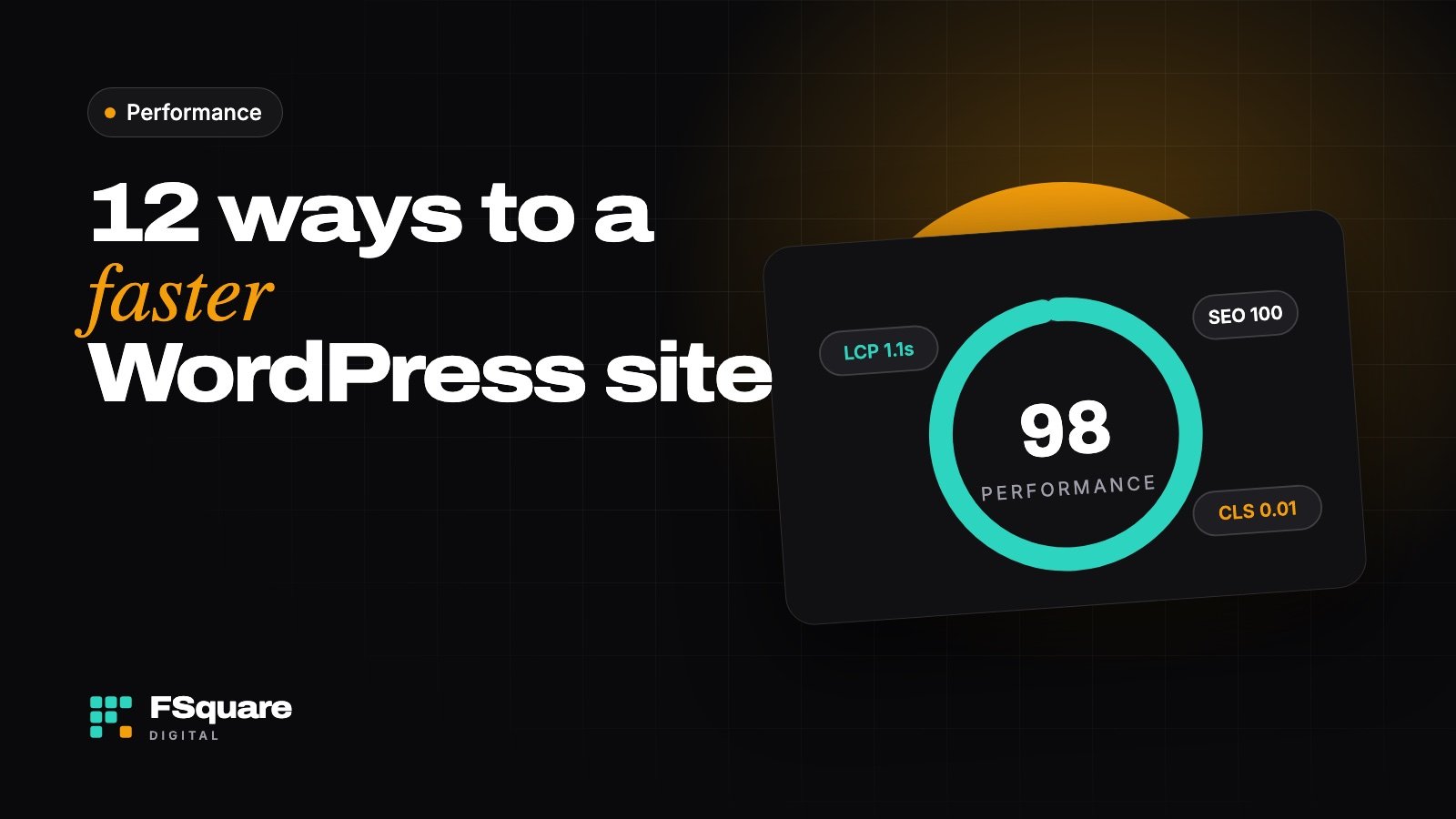
A slow website costs you visitors, sales and Google rankings. The good news: most WordPress sites can get dramatically faster without a redesign. These are the fixes I apply on almost every speed project, roughly in order of impact.
Measure before you change anything
Run your homepage and one important inner page through PageSpeed Insights and note the mobile score, Largest Contentful Paint (LCP) and Cumulative Layout Shift (CLS). Measure again after each change so you know what actually helped.
Fix the big wins first
- Use good hosting. Cheap shared hosting is the most common bottleneck. A modern server with LiteSpeed or NGINX and PHP 8+ makes everything else easier.
- Turn on page caching. A caching plugin (or your host’s built-in cache) serves ready-made pages instead of building them on every visit.
- Compress and resize images. Upload images at the size they’re shown, and serve them as WebP or AVIF.
- Lazy-load below-the-fold media. Images and videos further down the page should load only when needed.
- Remove plugins you don’t use. Every active plugin can add scripts and database queries. Delete, don’t just deactivate.
Then tidy up the front end
- Limit fonts. Use one or two font families, host them locally and preload the main one.
- Delay non-essential scripts. Chat widgets, heatmaps and social embeds can load after the page is interactive.
- Avoid sliders in the hero. A single strong image or headline loads faster and usually converts better.
- Reserve space for images and embeds so the layout doesn’t jump while loading (that’s what CLS measures).
Finish with infrastructure
- Use a CDN such as Cloudflare to serve files from a location near each visitor.
- Clean the database. Old revisions, spam comments and expired transients add up over time.
- Keep everything updated. New versions of WordPress, PHP and plugins often include performance improvements.
Page builders and speed: Elementor and Divi sites can be fast, but they need more care. Use the builder’s performance settings, avoid stacking add-on packs and keep layouts simple.
When to call in help
If you’ve done the basics and your mobile score is still in the red, the cause is usually deeper: a heavy theme, a slow plugin or server configuration. That’s where a speed audit pays for itself.