WordPress itself is secure. Most hacks happen because of outdated plugins, weak passwords or poor hosting. The good news is that a handful of habits block the vast majority of attacks.
Work through this checklist once, then keep the monthly items going.
The basics
- Keep everything updated. WordPress core, themes and plugins. Most attacks target known vulnerabilities that already have a fix.
- Remove what you don’t use. Delete inactive plugins and themes; deactivated code can still be exploited.
- Use reputable plugins only. Check active installs, recent updates and support responses before installing.
- Never use nulled themes or plugins. “Free” pirated premium plugins often contain malware.
Logins and users
- Strong, unique passwords for every admin, stored in a password manager.
- Two-factor authentication (2FA) for all administrator accounts.
- Limit login attempts to stop brute-force attacks.
- Least privilege: give people the lowest role they need. Editors don’t need to be administrators.
- Don’t use “admin” as a username.
Hosting and server
- Choose good hosting with server-level firewalls, malware scanning and isolated accounts.
- Use HTTPS everywhere with a valid SSL certificate.
- Run a supported PHP version. Old PHP versions stop receiving security fixes.
Backups and monitoring
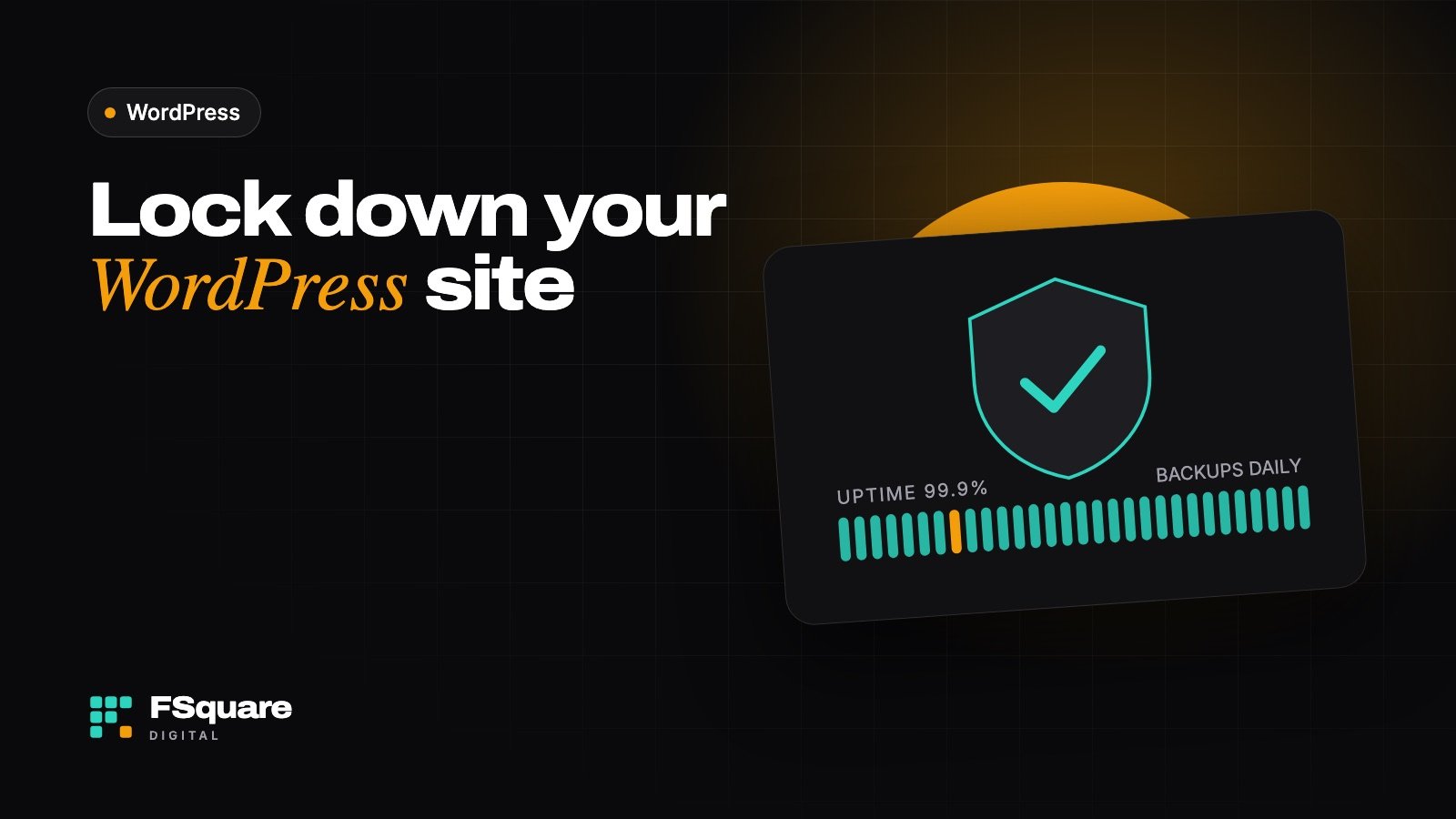
- Automatic daily backups stored off-site. A backup on the same server can disappear with the server.
- Uptime and file-change monitoring, so you know about problems before customers do.
- A web application firewall (WAF), through a security plugin or a service like Cloudflare.
Test your backups. A backup you’ve never restored is a hope, not a plan. Try a restore on a staging site at least once.
Monthly security routine
- Apply updates, ideally after testing on staging.
- Review users and remove anyone who no longer needs access.
- Check security plugin logs for repeated attacks.
- Confirm backups are completing and stored off-site.
- Scan for malware.
Signs your site may be compromised
- Unexpected redirects, pop-ups or spam links.
- Google warnings in search results or Search Console.
- New admin users you didn’t create.
- Sudden slowdowns or hosting warnings about resource usage.
If you see any of these, act quickly: change passwords, restore a clean backup or get professional cleanup.
Security is easiest when it’s routine. My website care plans handle updates, backups and monitoring every month so you don’t have to think about it.
Frequently asked questions
Is WordPress less secure than other platforms?
No. WordPress core is well maintained and patched quickly. Because it powers a huge share of the web, it’s a popular target, and most successful attacks exploit outdated plugins, weak passwords or poor hosting rather than WordPress itself.
Do I need a security plugin?
It helps, especially for login protection, a firewall and malware scanning. It’s not a replacement for updates, backups and good hosting, and installing several overlapping security plugins can slow your site down. One well-configured plugin is enough.
How often should I back up my site?
Daily for most business sites, and more often for busy online stores where orders come in constantly. Keep several days of backups so you can go back to before a problem started.
Should I hide the wp-admin login page?
Changing the login URL reduces automated bot traffic, but it isn’t real protection on its own. Strong passwords, two-factor authentication and limited login attempts matter far more.
Key takeaways
- Updates and off-site backups prevent most disasters.
- Protect every admin login with a strong password and 2FA.
- Make security a monthly routine, not a one-time task.
Related reading
- Gutenberg, Elementor or Divi 5: choosing the right WordPress editor
- How to start an online store in 2026: a step-by-step guide
Want this done for you? FSquare Digital offers website care plans for businesses in India and worldwide. Tell me about your project or message me on WhatsApp for a free quote.